
The Firmware Update That Locks You Out, and Why the Warranty Doesn't Care
I spent eleven years in information security before pivoting to financial risk consulting, and the smart-lock question I get most is the wrong one. People ask if a hacker can open the door. The likelier failure is that the manufacturer pushes an update, the lock stops working, and the fine print says the loss is yours to eat.

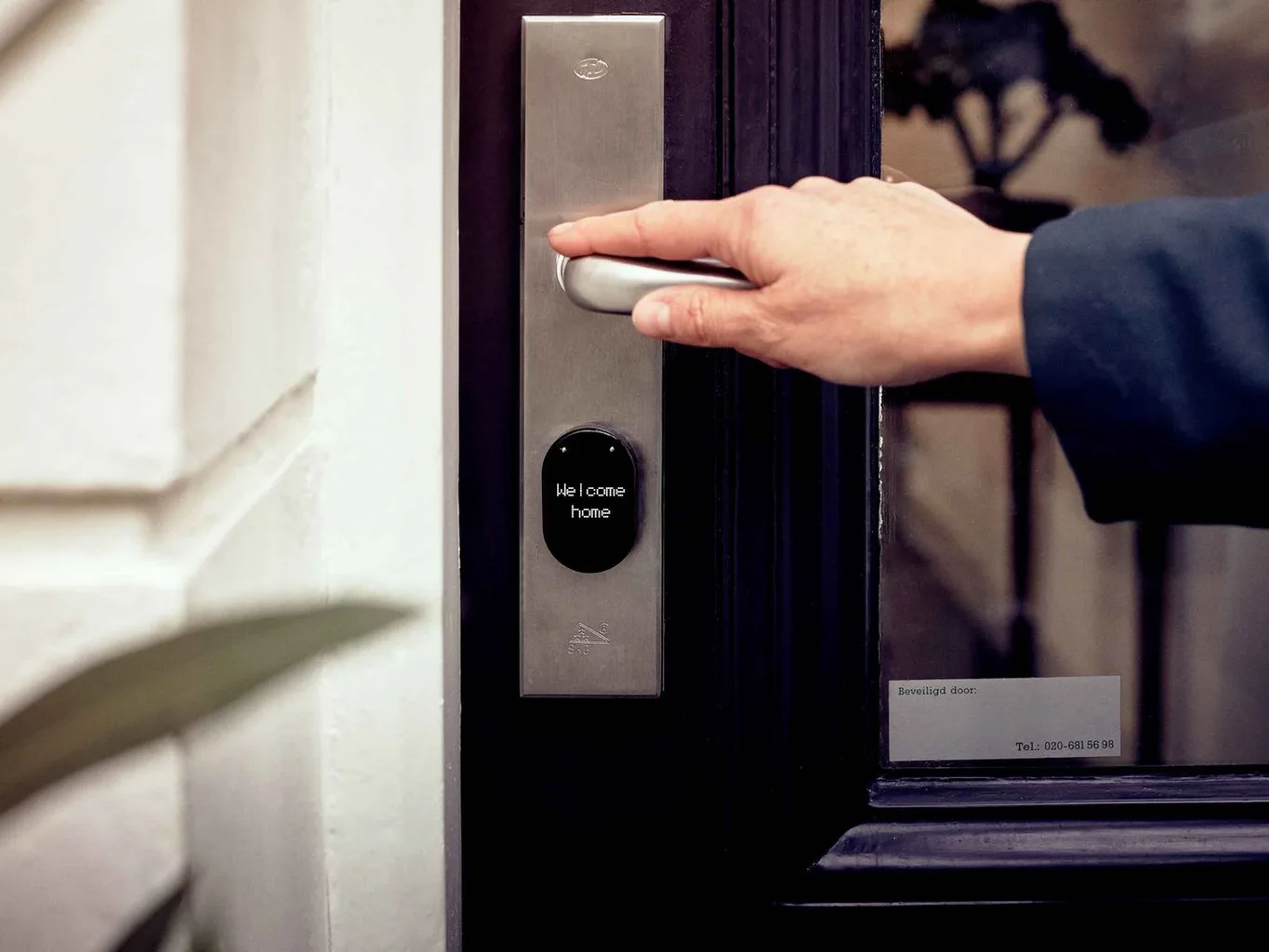
People Ask Me the Wrong Question About Smart Locks
I spent eleven years in information security before pivoting to financial risk consulting, and when people find that out, the smart-lock question is almost always the same: can someone hack it and open my door? It's a fair question. It's also not the one that's going to cost you. The likelier failure mode, the one I've actually watched play out, is more boring and more infuriating: the manufacturer pushes a software update, the update goes wrong, and the lock on your front door simply stops being a lock.
I want to be precise here, because this gets overstated. Remote break-ins on modern smart locks are rare and usually require conditions that don't apply to your house. The firmware failure is the common one. It's a pattern, not an edge case. It is a pattern.
This Already Happened, With a Company You Can Look Up
In August 2017, a smart-lock maker called LockState pushed an over-the-air firmware update to its Wi-Fi-enabled RemoteLock 6i locks. The update failed. Hundreds of the locks lost the ability to connect and, for many owners, stopped functioning as remote locks entirely. Nobody attacked these devices. The manufacturer bricked them, from a server, with a routine update that went out broken.
LockState's remedy tells you everything about where the loss lands. Affected owners could mail the lock back to be reflashed, which took about a week, or request a replacement, which ran up to two and a half weeks. Sit with that. For somewhere between one and three weeks, the customer's options were to remove the lock from the door and ship it, or wait for a new one, while the front door of their home was a device that no longer worked. The company fixed the locks. The company did not, and under its terms did not have to, absorb what that gap cost the people living behind those doors.
The Gap Between the Two Documents You Agreed To
When you buy a smart lock you agree to two different things, and they protect two different parties. The hardware warranty is the one you think about: it covers a manufacturing defect, a dead motor, a faulty board, and it protects you. The software license, the EULA you scrolled past in the app, is the one that matters here, and it protects the manufacturer. It typically grants the company the right to push firmware updates to your device whenever it chooses, and it disclaims liability for consequential damages, the lawyer's term for exactly the loss you'd suffer when an update locks you out.
So the mechanism is this. The warranty says they'll fix or replace a broken lock. The license says a lockout caused by their own software isn't their financial problem. Both can be true at once, and together they mean the company owns the update and you own the consequences. You bought the hardware. You licensed the software. The software is the part that decides whether your hardware works tomorrow, and you don't control it.
The Slower Death: When the Server Gets Turned Off
There's a second version of this that plays out over years instead of a bad afternoon. A smart lock's fancier features, remote unlock, app access, integration with the rest of your house, usually route through the manufacturer's servers. Those servers cost money to run, and when a company discontinues a product line, gets acquired, or simply decides a device is too old to support, it sunsets the server. The lock on your door doesn't break. It just quietly loses the features you paid extra for, and there's no update coming to bring them back, because the thing keeping them alive was a business decision, not a mechanism in your wall.
This is a documented pattern across connected devices, not a smart-lock quirk. I read the firmware changelogs and the support-lifecycle notices the way I used to read audit scopes, because they tell you how long the convenience you're buying is actually guaranteed to last, which is almost never as long as the hardware itself would.
The Question to Ask Before You Mount the Lock
I'm not anti-smart-lock. I have one. The clients who avoid the ugliest outcomes all did the same unglamorous thing: they never let the smart part become the only part. So before you mount it, ask one question of the product, and answer it honestly. If this lock's software failed tomorrow, or the company's servers went dark, could I still get into my house?
If the answer depends on the manufacturer's cloud being up and their firmware being intact, you don't have a lock with a convenience feature. You have a convenience feature that is pretending to be a lock. Buy the model with a real physical key backup, keep that key somewhere you can reach without the app, and treat the smart features as a bonus that might not survive the decade. The door is too important to outsource entirely to someone else's update schedule.